⌘⇧S
Screenshot solve
Drag any problem on screen and get a step-by-step solution with LaTeX formatting in the side panel.
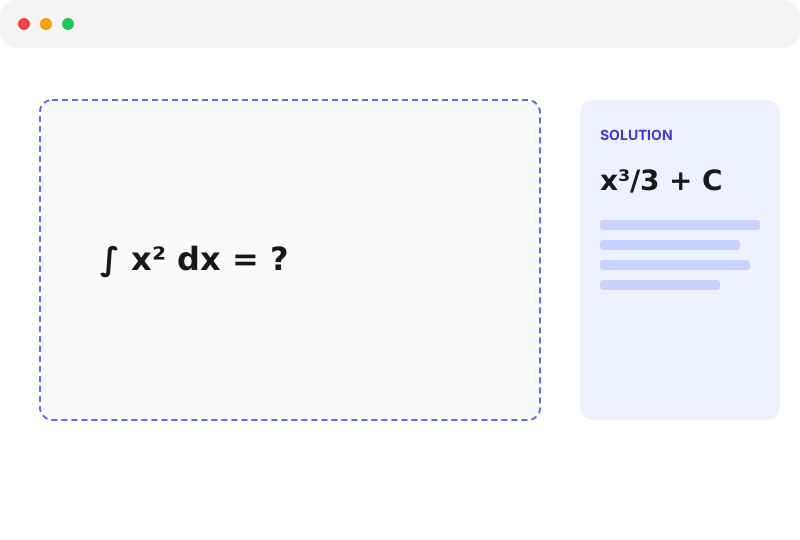
Beta — free, no credit card
Screenshot a problem or auto-solve an entire quiz page — right in your browser, powered by frontier models: Claude Opus 4.7, GPT-5.5, and Gemini 2.5.
No credit card. No login. Free during beta.
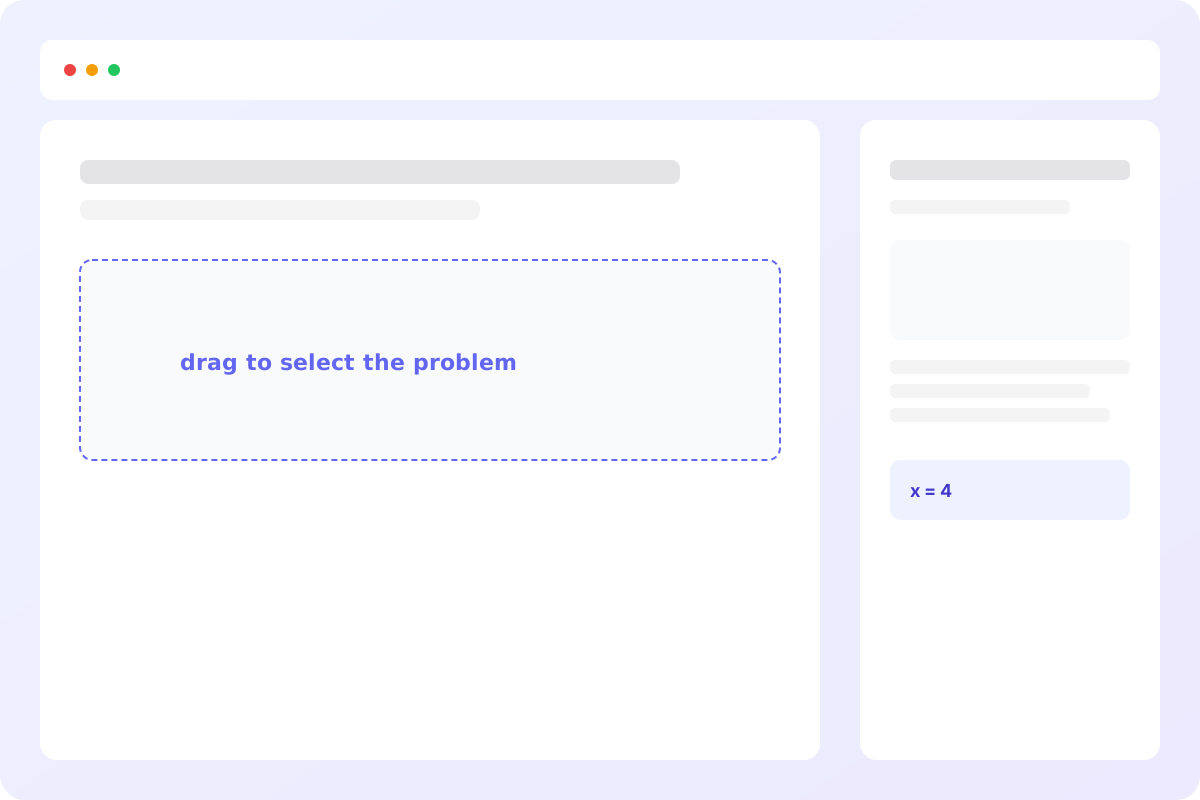
Math Agent is the only extension that combines an on-screen capture tool with whole-page autosolve.
Drag any problem on screen and get a step-by-step solution with LaTeX formatting in the side panel.
Press once on Canvas, Blackboard, or any quiz page — Math Agent detects every question and fills the answers.
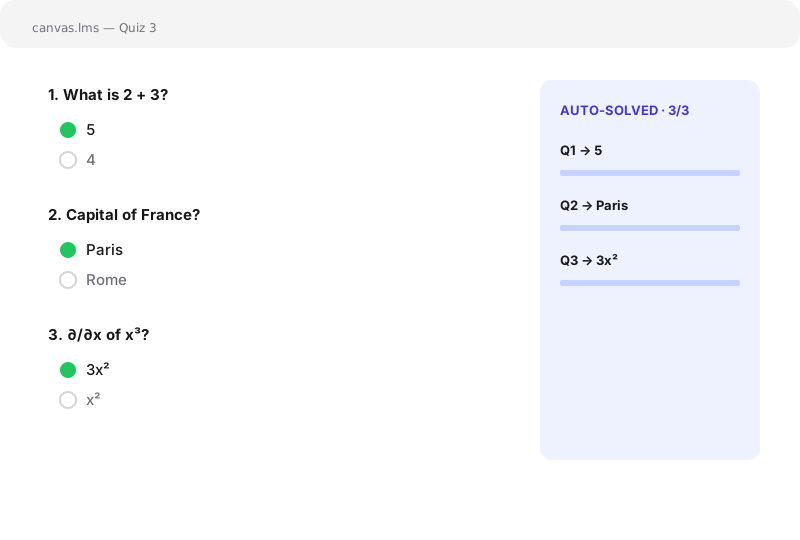
One extension. Every problem type. Built to stay out of your way.
Switch between Detailed, Brief, and Tutor — pick how the AI explains.
Works for physics, chemistry, biology, and statistics homework too.
Formulas render cleanly with KaTeX so derivations stay readable.
Ask follow-ups in the side panel — the conversation keeps full context.
⌘⇧S to capture, ⌘⇧Q to autosolve a page, ⌘⇧X to pick one question.
Side panel adapts to your system theme automatically.
Add Math Agent to Chrome and pin it to your toolbar.
Press ⌘⇧S to screenshot a problem, or ⌘⇧Q on a quiz page.
A step-by-step answer appears in the side panel. Ask follow-ups.
Yes — the free tier allows 10 solves per day. Pro removes the cap and is launching soon.
Math, physics, chemistry, biology, and statistics. Anything a vision-capable LLM can read off a screenshot.
Yes. Auto-solve detects generic radio, checkbox, and free-text question groups, so most LMSes work out of the box without per-site adapters.
We route to the best frontier multimodal model for each task — Claude Opus 4.7 by default (best for hard, multi-step problems), with GPT-5.5 and Gemini 2.5 Pro available too. For speed/cost-sensitive solves, lighter models like Claude Haiku 4.5 and GPT-5.5 mini are one toggle away. The backend is OpenAI-compatible, so power users can point at their own endpoint.
No. The backend is stateless — screenshots are forwarded to the model and discarded. Nothing is persisted server-side.